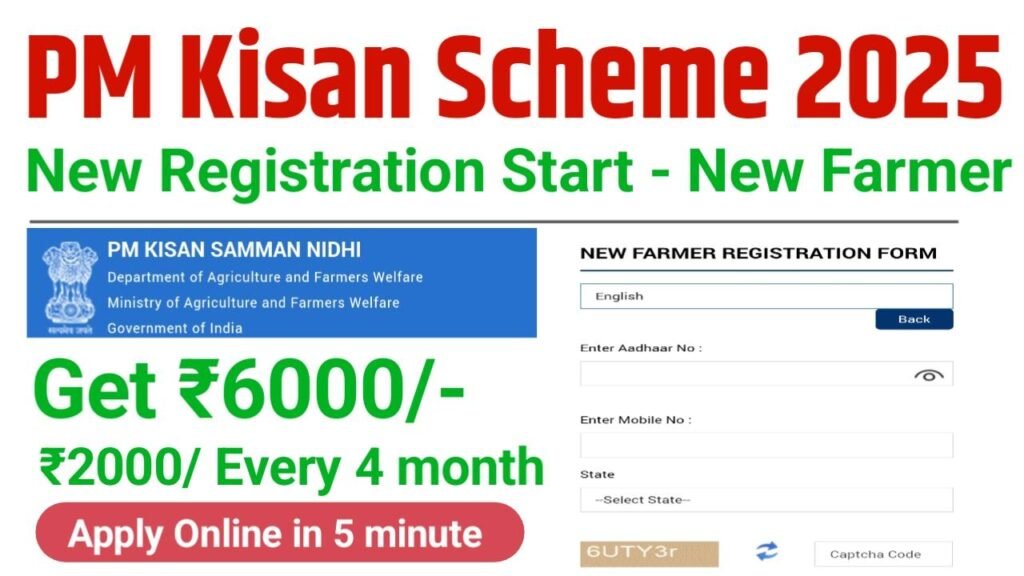
Pradhan Mantri Kisan Samman Nidhi (PM-KISAN) Yojana is a major scheme launched by Government of India to provide financial support to farmers across country. This scheme was started on 1 December 2018, and its nationwide rollout took place in 2019. Under this scheme, eligible farmers receive ₹6000 every year, which is directly transferred to their bank accounts through DBT (Direct Benefit Transfer).
The amount of ₹6000 is given in three installments every year. Each installment is ₹2000, and it is released every 4 months.
Now, many new farmers want to know how they can get benefits of the PM-KISAN scheme. How can new farmers register? What documents are required? We have explained the complete process in the article below. Please read carefully for full details.
Required Documents for Registration
To register for the scheme, you will need following documents , like
- Aadhaar Card , Mandatory for eKYC verification.
- Bank Account
- Land Ownership Documents , Khasra Number and details of land area.
- Proof of Citizenship – Any valid certificate to prove Indian citizenship.
Eligibility Criteria for PM-Kisan Scheme !
- Must be an Indian citizen.
- Must own cultivable land (any size). Initially for small/marginal farmers, now all landholding farmer families are eligible.
Exclusions, Not eligible
- Institutional landholders
- Serving/retired government employees
- Professionals like doctors, engineers, lawyers, CAs etc.
- Retired people with pension high ₹10000/month
- Individuals who paid income tax in last assessment year.
How to Do New Registration for PM-Kisan ? Step by step process
- Visit Official Website: Go to the PM-KISAN official site.
- New Farmer Registration: Click on ‘Farmers’ Corner then New Farmer Registration’.
- Enter Details: Fill in Aadhaar Number, Mobile Number, and state, then enter captcha and click ‘Get OTP’.
- Verify OTP: Enter OTP received on your mobile to verify.
- Fill Form: Add personal details, address, Bank info, and Land details.
- Upload Documents: Scan and upload required documents .
- Submit: Review all info, accept declaration, and Submit. You will get a registration number/reference ID.