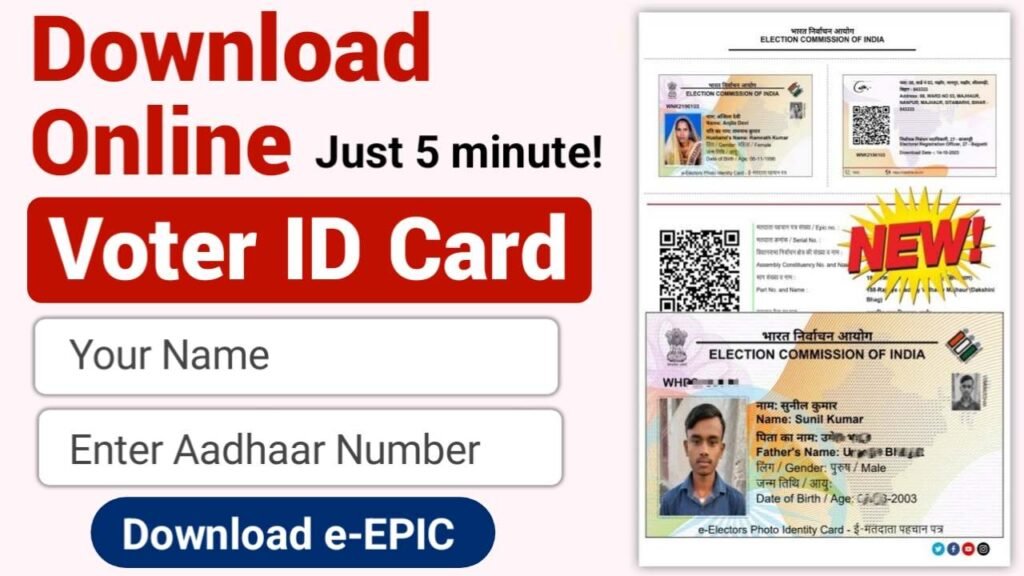
Download Your Voter ID Online 2025: Voter ID Card is an important identity document issued by the Election Commission of India. If you are above 18 years of age and your Voter ID has been created, you can easily download your Digital Voter ID from official website of the Election Commission. In this time , downloading any document online has become very easy. By simply entering your Mobile Number and Aadhaar Number, anyone can download their EPIC Card, also known as Voter ID Card, within just 5 minutes from ECI portal services.india.gov.in .
Voter ID Card is used not only for voting during elections but also for many other purposes. It works as a valid IDENTITY PROOF for opening a bank account and completing various government-related tasks.
So, let’s understand how you can download your Voter ID Card online from home in just 5 minutes using a simple and quick process.
Documents required to download Voter ID card ?
- Aadhaar Card Number.
- Mobile Number with Registered in Voter Card.
- Epic/ Voter ID Number.
Voter ID Online Download: Step-by-Step Process to Download e-EPIC Card
Make sure your mobile number is linked with your Voter ID because OTP verification is required.
- First, visit the official Voter Service Portal of the Election Commission of India https://voters.eci.gov.in/ .
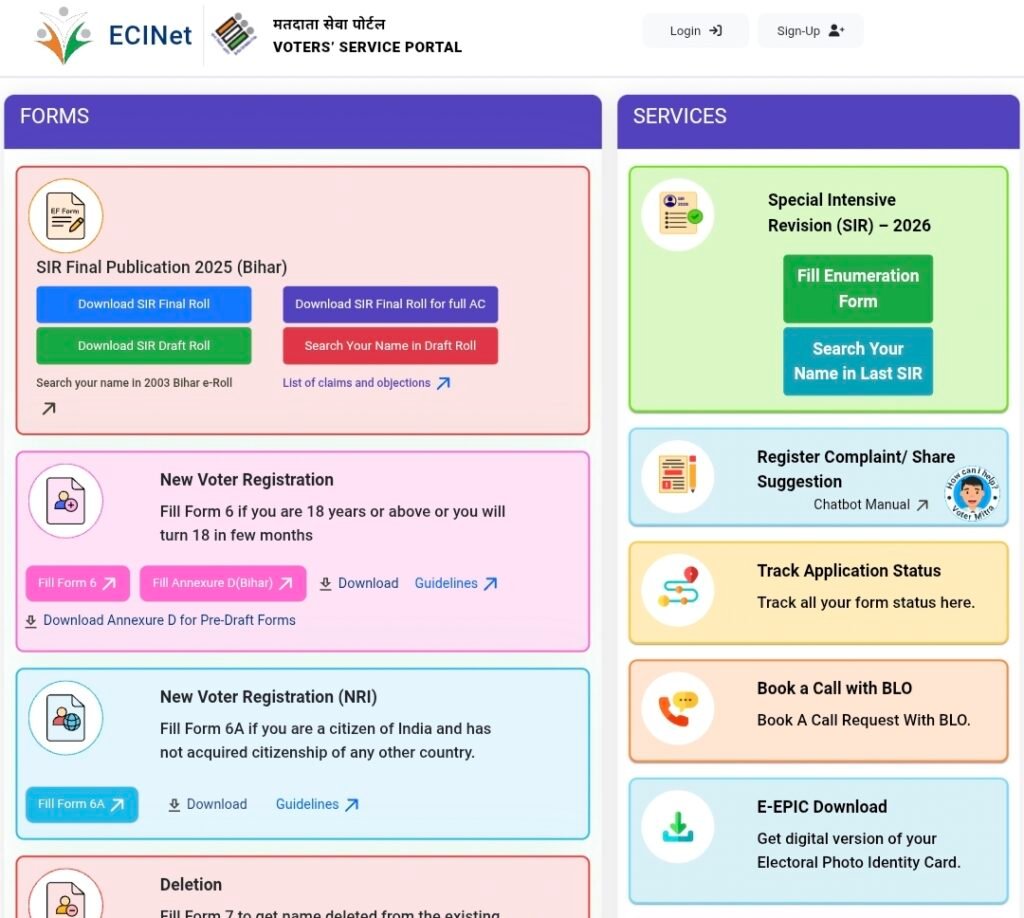
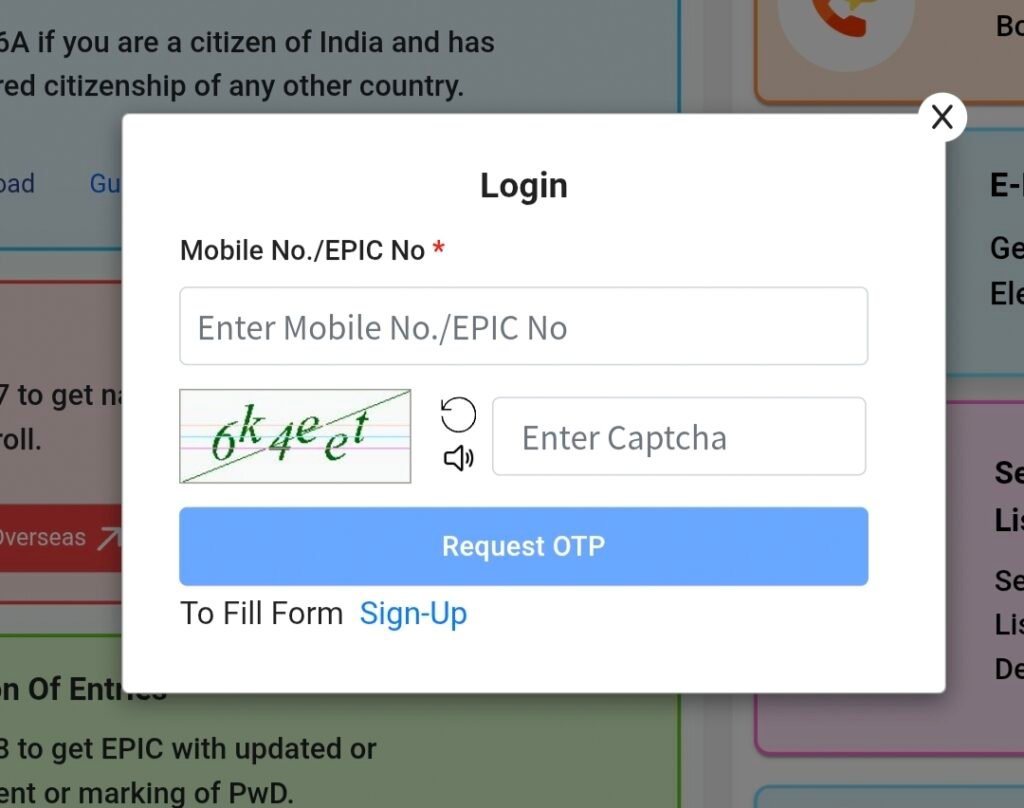
- Login or Sign Up
- If already registered, Login using your Mobile Number/email Id and password.
- If not registered, click Sign Up and create an account using your mobile number and EPIC number.
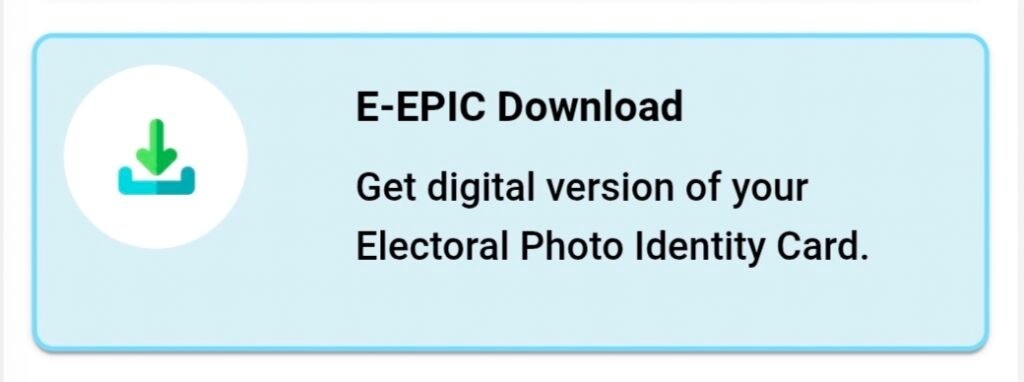
- After Login, go to the dashboard and click “Download e-EPIC”.
- Enter your some details
- Select “I have EPIC Number”.
- Enter your 10-digit EPIC (Voter ID) number.
- Choose your State and click Search.
- Verify OTP
- Click Send OTP, enter the OTP received on your mobile, and verify it.
- Once verified, click on “Download e-EPIC”.
- Your Voter ID will be downloaded instantly as a PDF file on your mobile.
| Login | Click Here |
| Sign Up | Click Here |
| Download e-EPIC | Click Here |