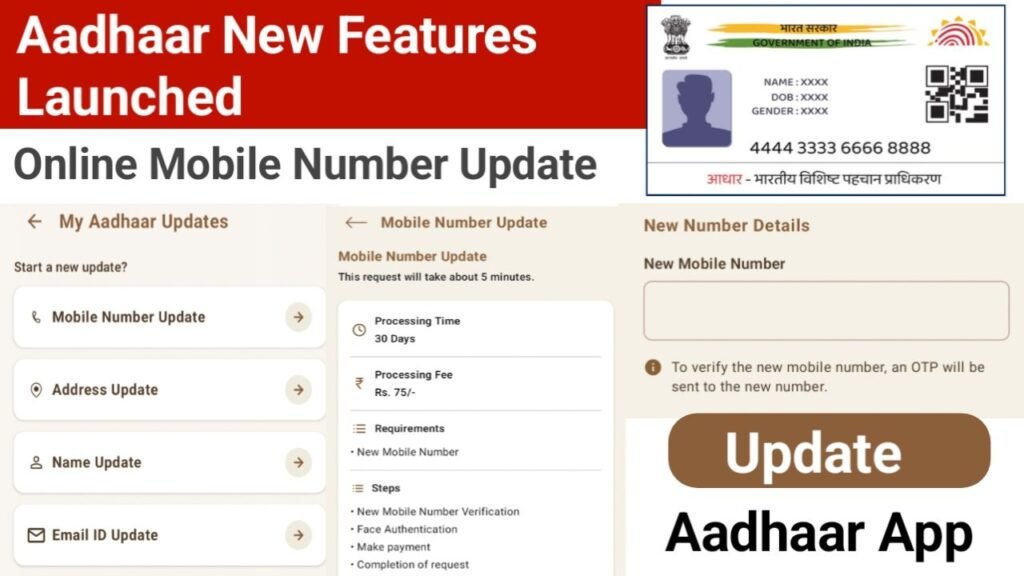
Now Update Your Aadhaar Mobile Number at Home ( How To Update Aadhaar Mobile Number Online ) : Aadhaar Card is an important identity document issued by the Government of India, and mobile number linked with it is equally important , because any online verification, Aadhaar-linked mobile number is required, especially during OTP verification. If you want to change or update your mobile number in your Aadhaar, you can now do it easily at home. Government of India , UIDAI has launched a new online feature that makes process simple and convenient.
Update your mobile number Feature Launched!
UIDAI has recently introduced the Aadhaar App, and now app also includes the option to update your mobile number. This means any Aadhaar holder can update their registered mobile number directly through ” Aadhaar ” App without visiting any centre.
Aadhaar App Upcoming 3 more new features
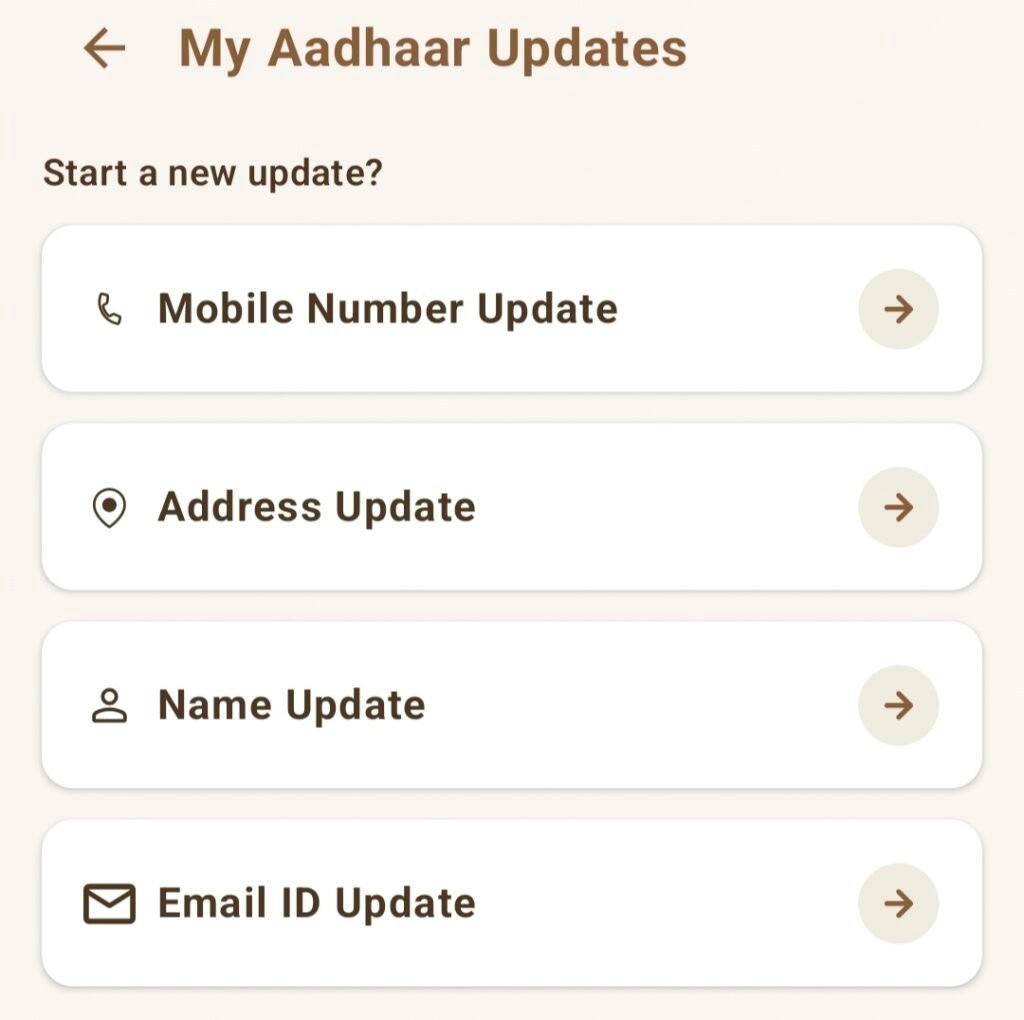
Soon, new features like AADHAAR CARD ADDRESS UPDATE, NAME UPDATE, and EMAIL ID UPDATE will also be added to the Aadhaar App, making it a complete self-service platform for Aadhaar-related updates.
What will be required to change the mobile number in Aadhaar?
If you want to update your mobile number in Aadhaar online using the Aadhaar App 2025 method, then it is necessary to have access to your Old Registered Mobile Number. OTP for verification will be sent to previously linked number, which is required to complete the update process.
- Old Mobile Number for Login in Aadhaar App.
- Face Authentication.
- New Mobile Number.
Processing Time – 30 Days from Request.
Processing Fess – 75 Rupees ( ₹75/- )
What You Can Update Online by ” Aadhaar ” Aap ?
- Your Name
- Address
- Date of Birth (DoB)
- Mobile number
Aadhaar Mobile Number Update Online By Aadhaar App Feature , Steps
- Download and sign in to Aadhaar App ( From Google Play Store Link https://play.google.com/store/apps/details?id=in.gov.uidai.pehchaan)
- Swipe up the pop-up at the bottom of the home screen.
- Go to Services and Click on My Aadhaar Update.
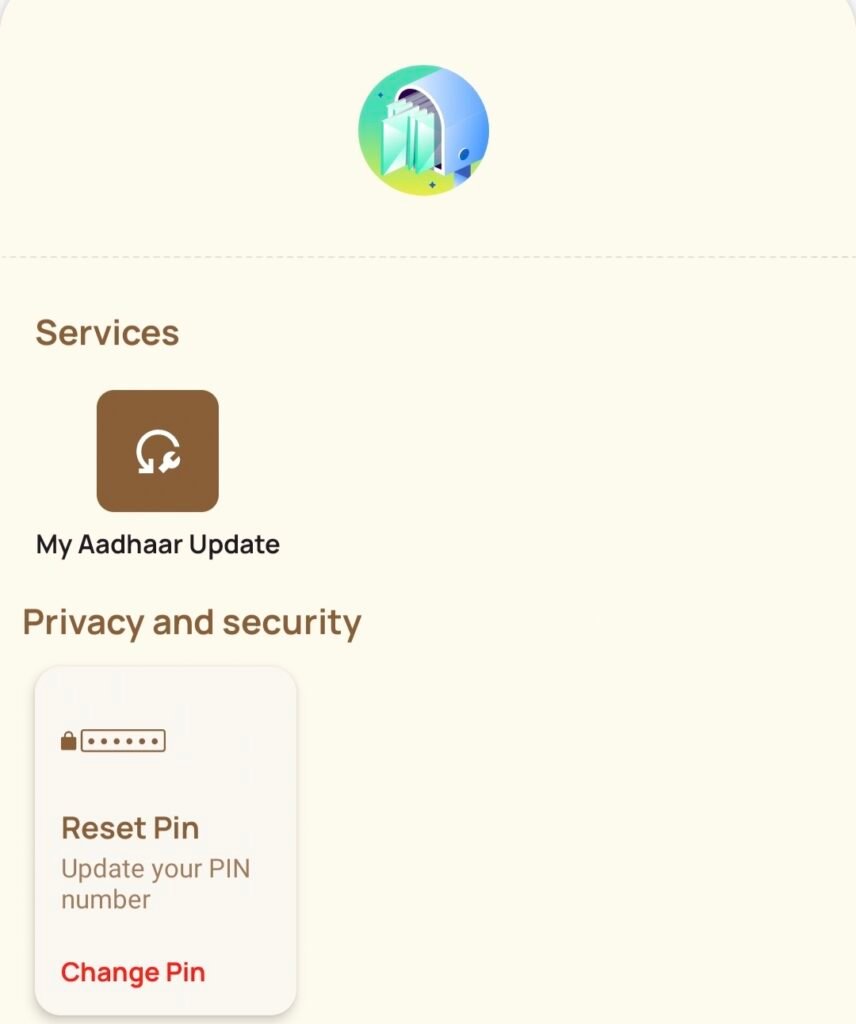
- Select Mobile Number Update and tap Continue.
- Enter your new mobile number and tap Send OTP.
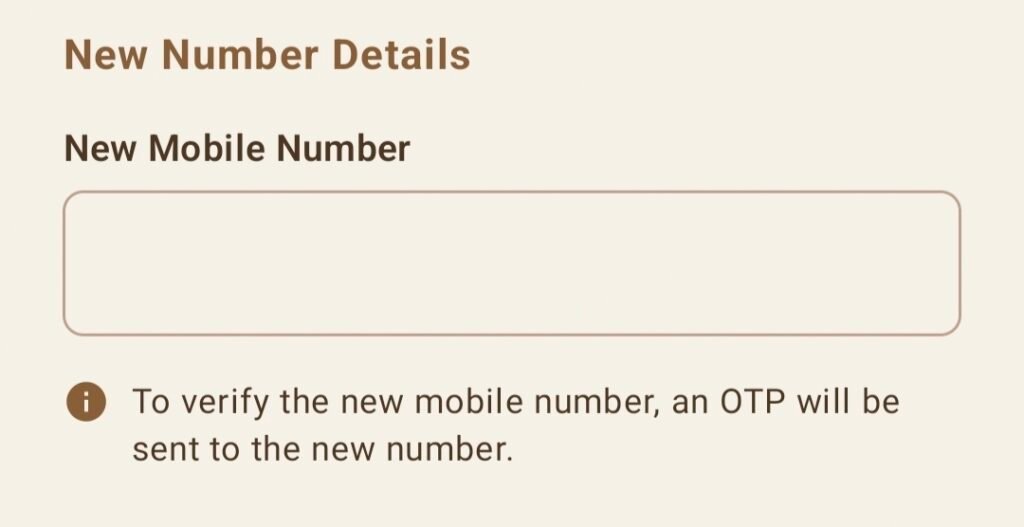
- Enter the OTP received on the new number and tap Verify.
- You will now see the Face Verification screen. Tap Face Authenticate.
- Read the guidelines and tap Proceed.
- Keep your face inside the circle, hold your phone steady, and blink when the circle turns green.
- After successful face match, you will go to the payment page.
- Complete the payment to finish the mobile number update.
Can I update my Aadhaar mobile number online without visiting any center?
Yes, you can update your Aadhaar mobile number online using the Aadhaar App through face authentication and OTP verification from home.
Do I need my old mobile number to update the new one?
Yes, access to your old registered mobile number is required because OTP verification is sent to the previously linked number.
How much is the fee for updating Aadhaar mobile number online?
The online Aadhaar mobile number update fee is ₹75, which you must pay through the Aadhaar App during the process.
How long does it take for the new mobile number to get updated?
The processing time for Aadhaar mobile number update is up to 30 days from the date of submitting the online request.
What updates can I make online using the Aadhaar App?
You can update your name, address, date of birth, and mobile number using the Aadhaar App’s online update features.