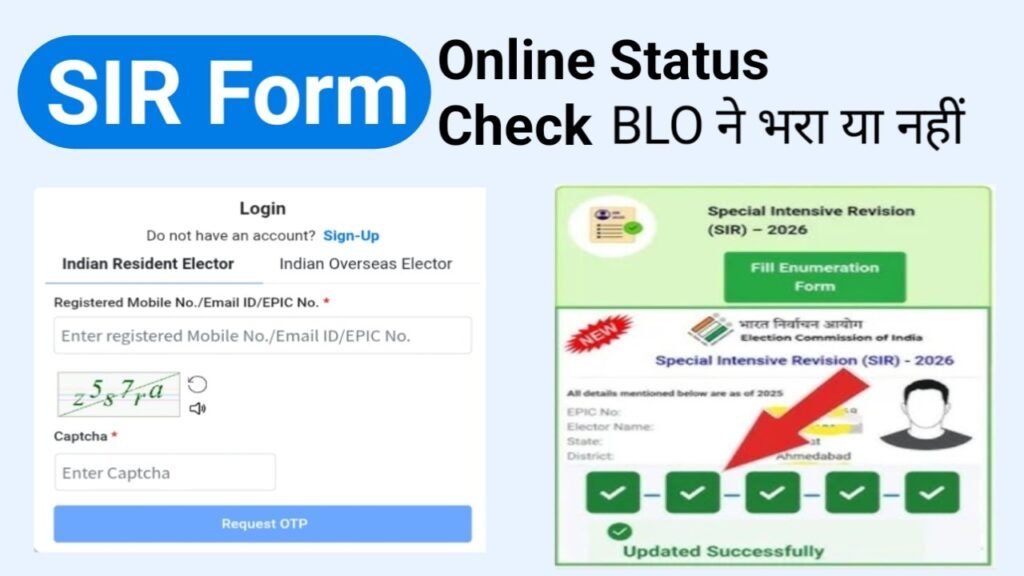
SIR Form Status Check: If you have recently submitted your SIR Enumeration Form to Booth Level Officer (BLO) or filled it online, you can now easily check whether your details have been uploaded on the Election Commission of India (ECI) portal or not. ECI has provided a simple and fast online process, through which any citizen can check their form status within a few minutes. Here we explain the complete process in easy and clear language.
What is the SIR Enumeration Form?
SIR Enumeration Form is a document used by Booth Level Officers (BLOs) to collect information from eligible voters by visiting households. This process is done to update voter list so that
No eligible voter is left out, and no ineligible person gets included.
SIR form is usually pre-filled, which means some details are already printed on it, such as .
- Your name
- EPIC number
- Address
- Family-related information
Voters need to update or add their latest information in SIR form, such as
- New photograph
- Date of birth
- Mobile number
- Aadhaar number
- and other required details.
How to Fill Enumeration Form Online & SIR Status Check?
You can easily fill Enumeration Form & Check SIR Form Status by following the steps given below ,
Open the Official Website
First, open the website voters.eci.gov.in of Election Commission of India on your phone .
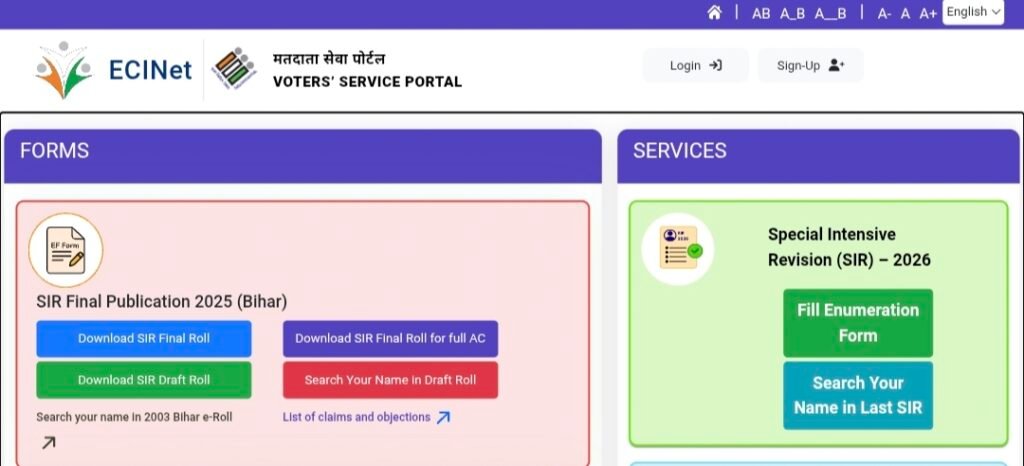
Go to the Enumeration Form Section
On homepage, click on ‘Fill Enumeration Form’ option .
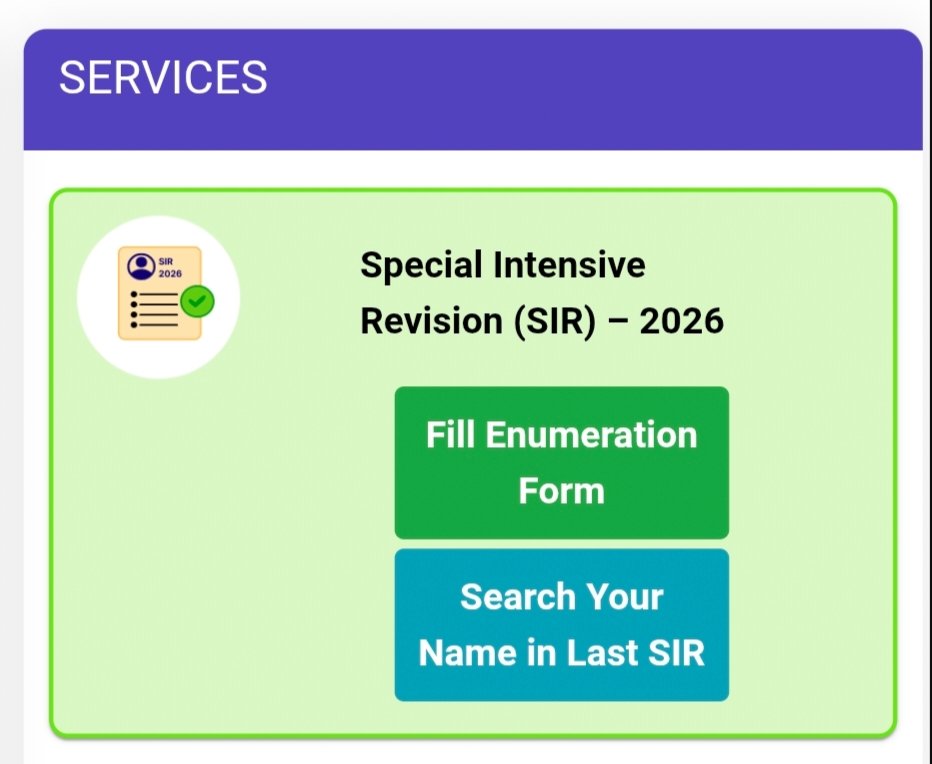
If You Are a New User, Sign Up
- Click on ‘Sign Up’
- Enter your mobile number, email (optional), and captcha.
- Enter the OTP and complete registration.
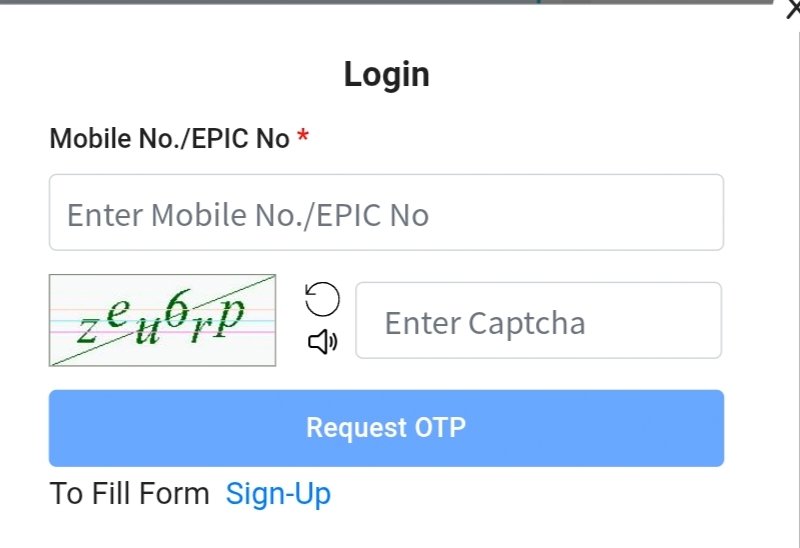
If Already Registered, Login
- Click on ‘Login’
- Enter your mobile number and captcha
- Request OTP and login using the OTP
Go to Fill Enumeration Form Again
After login, go to homepage and click again on the link ‘Fill Enumeration Form’.
Enter Your EPIC Number
In given box, enter your EPIC Number (Voter ID Number).
Check Your Form Status
- Click on ‘Search’.
- System will immediately show whether your form has been uploaded or not.
How to Know if Your Form Has Been Uploaded ?
If your form has been successfully uploaded, you will see a message on the screen like
“Your form has already been submitted with mobile number XXXXX”
This clearly means that your form has been uploaded on the ECI portal by the BLO.
However, if
- You do not receive any confirmation,
- A new form filling page opens, or
- Someone else’s mobile number appears,
then it may indicate that your form has not been uploaded yet or there is some error in details.
In such cases, you should immediately contact your BLO for correction or clarification.
| Fill SIR Form Online | Click Here |
| SIR Form Status Check Online | Click Here |